Running Up That Hill: Improve Your Fan Edits with Clear Sound
Want to make viral Stranger Things edits? Learn how to use vocal isolation and noise removal to create professional, immersive fan tributes.

Page Table of Contents
Want to make viral Stranger Things edits? Learn how to use vocal isolation and noise removal to create professional, immersive fan tributes.
The wait for the fifth and final season of Stranger Things feels agonizingly long. Since the explosive finale of Season 4, the internet has been awash with theories, predictions, and, most notably, incredible fan-made content. The Duffer Brothers have created a universe that doesn't just invite viewership; it demands participation.
Among the most defining moments of recent television history was Max Mayfield's desperate escape from Vecna, set to the pulsating rhythm of Kate Bush's "Running Up That Hill (A Deal with God)." It was a cultural reset. The scene reignited a 1985 classic, pushing it to the top of the charts, but more importantly, it showcased the visceral power of sound in storytelling.
For creators and superfans, the "Running Up That Hill" scene set the gold standard for fan edits, and recreating that impact takes more than strong cutting skills. It demands clean, precise audio. Anyone who has worked with noisy screen recordings or tried isolating dialogue over a loud soundtrack knows the struggle. Whether you're making a tribute or breaking down Hawkins lore, audio quality is what elevates a casual upload into a standout edit. Here's how advanced audio tools can help you clean, separate, and repair sound for your Stranger Things projects.
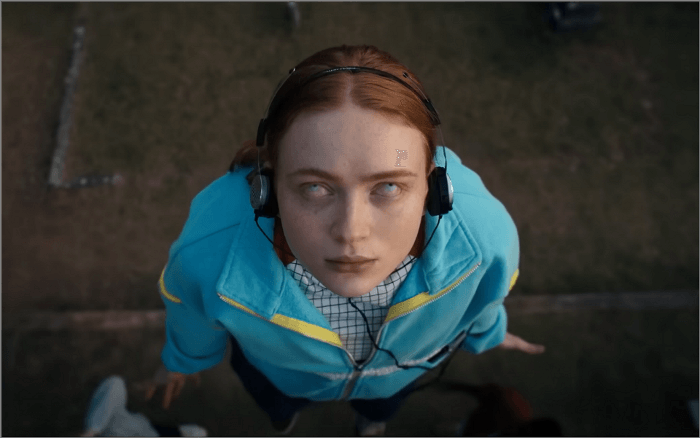
To understand why audio editing is so critical, we have to look at why the "Running Up That Hill" sequence worked so well in the first place. It wasn't just a visual spectacle; it was a masterclass in audio engineering.
The scene relies on the synchronisation of internal emotion and external sound. Max is trapped in a nightmare, isolated and terrified. The only tether to reality and to her friends is the melody of her favourite song. As the music swells, it cuts through the dissonant, squelchy sounds of the Upside Down. The triumphant drums kick in exactly when she starts running. The audio tells the audience to feel hope before the visuals even confirm her escape.
For a fan editor, this relationship between music and visual pacing is everything. If your edit has crackling background noise or low-fidelity dialogue, the viewer is instantly reminded they are watching a video on a phone screen, rather than being transported back to 1986.
The standard for fan-made content has skyrocketed. Platforms like TikTok, YouTube Shorts, and Instagram Reels are flooded with high-definition edits that rival professional trailers. In this competitive landscape, "good enough" audio is no longer sufficient.
The "Running Up That Hill" phenomenon highlighted a specific challenge for creators: audio separation. The original scene is a dense mix of Kate Bush's track, frantic dialogue from Lucas and Dustin, the gooey sound effects of Vecna's lair, and the crashing debris.
When creators try to use this footage, they often run into significant roadblocks:
Creating a "clean" edit requires control. You need to be able to deconstruct the audio just as you deconstruct the video timeline. This is where AI-driven audio tools transform the workflow from a headache into a creative playground.
Modern editing isn't about spending hours manually adjusting equaliser settings to hide hiss. It is about using AI that understands what audio should sound like. Here is how our audio tool EaseUS Vocal Remover can specifically help you tackle footage from Hawkins.
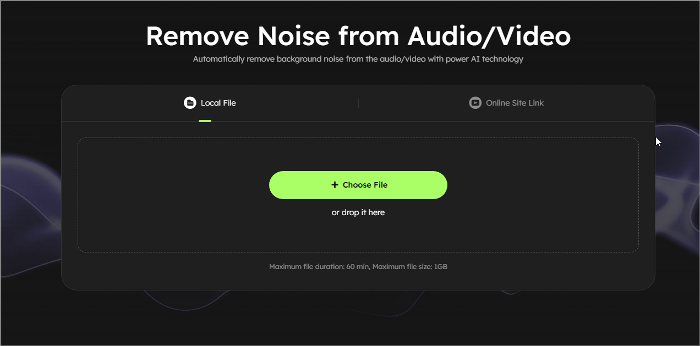
The source material for fan edits varies wildly. You might be pulling a clip from an official 4K trailer, or you might be using a screen capture from a reaction video. The latter often comes with unwanted baggage: static, hums, or ambient room noise.
Noise Removal acts as a filter for your raw assets. If you have a recording of a quieter scene, perhaps a tense conversation between Hopper and Joyce, background static can ruin the tension. By processing the clip through Noise Removal, you strip away the non-essential frequencies.
This is crucial for immersion. When an audience hears hisses or crackles, they subconsciously register the video as "low quality." By cleaning the audio, you make your edit sound professional, ensuring the viewer focuses on the character's emotion rather than your microphone quality.
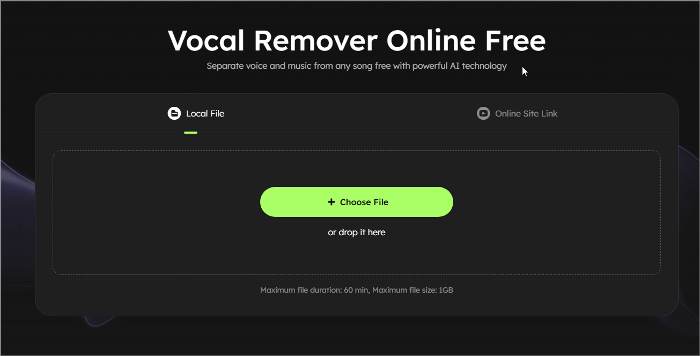
This is arguably the most powerful feature for the fan edit community. Vocal Isolation and Removal allows you to separate the components of a mixed track.
See also:
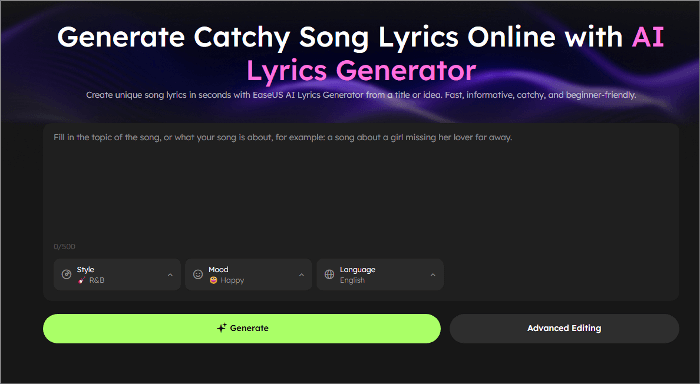
Not every fan edit relies solely on existing dialogue or soundtrack. Sometimes, you want to add new emotional layers to a scene—like writing original lines inspired by Max's inner thoughts, or crafting a monologue that feels like something Eleven would say.
A Lyric Generator helps you create these custom emotional inserts.
Whether you're building a tribute video, a character study, or a season recap, you can generate:
If your edit blends visuals from Season 4 with a dramatic build-up, new lyrics allow you to create a unique storytelling voice that feels authentic to the Stranger Things universe.

Sometimes, you want to keep the emotional power of Running Up That Hill, but present it with a new twist.
AI Song Cover lets you recreate the track—or any song used in your edit—with a different vocal style while keeping the emotional weight intact.
You can generate:
This allows your tribute or remix to stand out while still respecting the original scene's atmosphere. Perfect for edits centered on Max, Eleven, Vecna, or any of the show's high-tension moments.
Related Reading:
Once you have these tools in your arsenal, the creative possibilities expand significantly. Here are four specific project types you can execute with higher quality.
The character arc of Max Mayfield is tragic and beautiful. A tribute video typically combines her happiest moments with her darkest ones.
With the final season approaching, "Recap" videos are in high demand. These videos summarise complex plot points (like the history of Number One/Henry Creel).
"What if?" scenarios are popular in the fandom. What if Billy survived? What if Joyce had never gone to Russia? To make these, creators often "recut" scenes to change the narrative.
Short-form vertical video lives and dies by audio quality. The "scroll" is fast; if audio is jarring or low quality, users swipe away.
Ready to make your edit? Here is a simple workflow using our tools to recreate or remix that legendary moment.
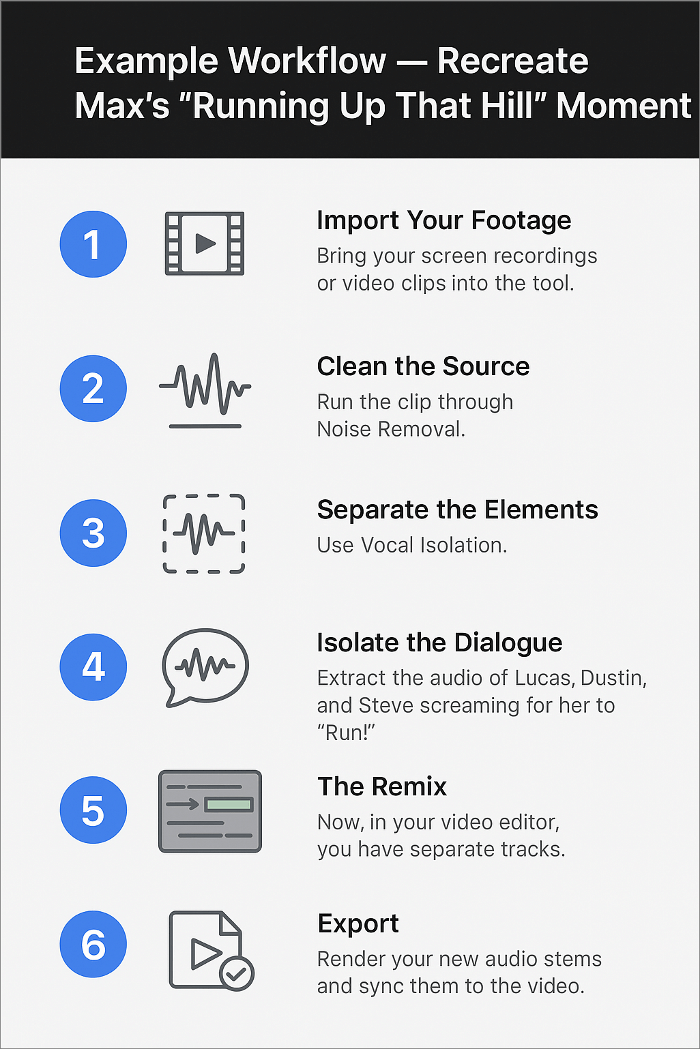
Editing audio used to require expensive software and a degree in sound engineering. You had to understand frequencies, gates, and compression.
Creators prefer our AI-driven tools because they democratise this process.
Whether you are making a 15-second TikTok or a 20-minute video essay on the Duffer Brothers' directing style, the barrier to entry for great audio is lower than ever.
As we prepare to say goodbye to Hawkins in the final season, the fan content created now will become part of the show's enduring legacy. The difference between a good edit and a legendary one often isn't the visual cuts; it's the soundscape.
Like the music that saved Max, clean audio can save your edits. It rescues your hard work from the "skip" button. With noise removal, vocal separation, and audio repair, you can rebuild iconic moments and create high-quality tribute videos effortlessly.
Don't let muddy sound drag your creativity into the Upside Down. Give your edits the professional polish they deserve. Try our audio tools today and enhance your next fan edit.


Learn how to blend historical narratives with personal heartbreak to write unique, powerful songs. Discover niche songwriting ideas and practical tips. …

Find kid-friendly Halloween songs, activities, and playlist ideas to create a fun and spooky atmosphere for your students.…

Learn to create professional EDM music using AI tools. Step-by-step guide covering workflow, tips, and best practices for AI-generated electronic dance music.…
Copyright © 2004 - 2025 EaseUS. All rights reserved.
